
A white label seo report generator is software that builds monthly SEO reports under an agency brand. It pulls data from Google Search Console and Google Analytics 4, fills a fixed template, and sends the finished report to the client on a set date. The agency logo goes on every page, and the client never sees the tool name. This post shows what to look for in a generator, how the data flows, and when a done for you service is the better choice.
A generator is worth its cost only if it removes work without removing quality. A tool that builds a report no one wants to read saves time and loses clients. You can see how the finished reports should look on our page of white label seo reports. That page shows the format clients receive, with the agency logo on every page.
Quick answer. A good generator pulls live data, brands every page, lets you fix the template, schedules the send, and leaves room for a human review. If it misses any one of those five, the agency ends up doing the missing work by hand each month.
What a white label seo report generator is
A white label seo report generator is a tool that turns SEO data into a client ready report. The agency connects its data sources, picks a template, and sets a schedule. Each month the tool pulls the numbers, fills the template, and sends the report, or holds it as a draft for review. The report covers one client, one month, and the same sections each time.
The generator is not the same as a dashboard. A dashboard shows live numbers the client can open any time. A report is a fixed document for one month, with a summary, the numbers, and the work notes. Clients read reports. Clients rarely open dashboards. A generator that only builds dashboards leaves the agency writing the monthly report by hand.
The generator is also not the same as a done for you service. A service adds the judgment: which numbers matter, what caused a change, and what comes next. A generator gives the agency the numbers and the template. The agency still writes the summary and the work notes, or pays a partner to write them.
The features that matter
Judge a generator by five features. Each one removes a monthly task. A tool that misses one of them leaves that task on the agency desk every month.
| Feature | What it must do | What happens without it |
|---|---|---|
| Live data pull | Pull clicks, impressions, positions, sessions, and conversions each month | Someone copies numbers by hand |
| Full branding | Agency logo, colors, and domain on every page, with no tool name showing | Clients see another brand |
| Fixed template | Same sections and order each month, with the agency able to edit them | Reports change shape monthly |
| Scheduled send | Send on a fixed date, or hold as a draft for review first | Someone must remember the date |
| Human review step | Draft held for a check before it sends, with edit access | Errors reach the client |
Live data comes first, because a generator that cannot pull data is a template with a send button. Check which sources it connects to before you buy. It must pull from Google Search Console and Google Analytics 4 at least, and from a rank tracker for positions. For how Search Console reports clicks and positions, see the Google Search Console performance report help.
Full branding comes next, and it must cover every page. Check the cover, the footer, the email the report arrives in, and any link the client clicks. A tool that brands the PDF but sends from its own domain has not finished the job. Our guide to white label seo sem reports shows the two report types a generator should support: the strategy report and the monthly report.
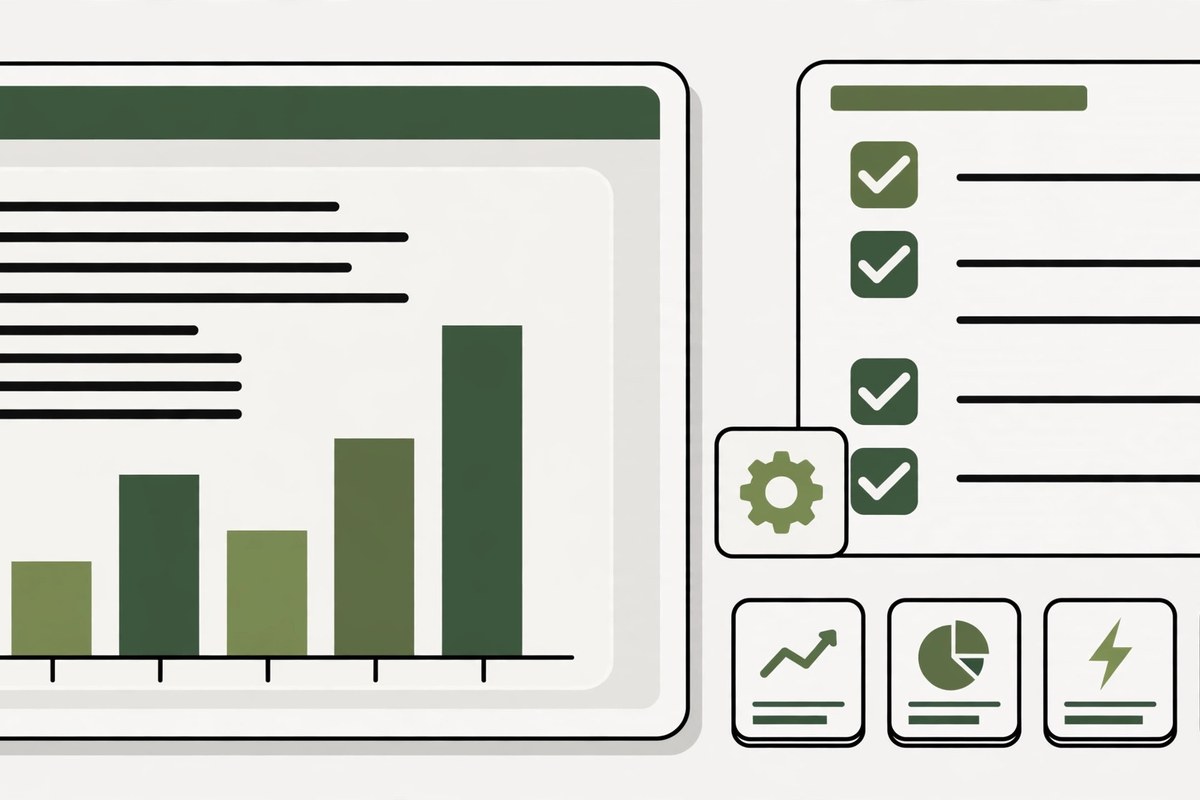
How the data flows: sources to branded report
The flow has four stages, and each stage needs one check. A break at any stage shows up in the finished report, so test the whole flow with one client before you connect the rest.
Stage 1. Connect the sources. Link Google Search Console, Google Analytics 4, and the rank tracker to the generator, one client at a time. Check that the numbers in the generator match the numbers in Search Console for the same month. If they do not match, the connection is wrong, and every report after it will be wrong too. For background on how Google reads a site, see the Google SEO starter guide.
Stage 2. Map the data to the template. Each source feeds one section. Search Console feeds rankings and traffic. Analytics feeds conversions. The rank tracker feeds the keyword groups. A section with no source stays blank, so map every section before the first send.
Stage 3. Build the draft. The generator builds the draft on the 1st of the month. The reviewer reads it on the 2nd and checks the numbers, the client name, and the work notes. The review takes about 15 minutes per report, and no report goes out without it.
Stage 4. Send on schedule. The report sends on the 3rd, from the agency domain, with the agency logo on the cover. The subject line names the client business and the month. The email body carries the three sentence summary, so the client gets the point without opening the attachment.

Generator vs done for you reporting
A generator and a done for you service solve different problems. The table below shows which one fits which agency. Most agencies with more than a few clients end up using both: a generator for the numbers, and a partner for the writing and the review.
| Question | Generator | Done for you service |
|---|---|---|
| Who pulls the data? | The tool, each month | The partner, each month |
| Who writes the summary? | The agency, each month | The partner, each month |
| Who reviews before send? | The agency, each month | The partner, then the agency |
| Monthly cost shape | Tool fee, plus agency time | Part of the monthly plan |
| Best for | Agencies with time to review | Agencies that want it handled |
The cost math is simple. A generator costs a tool fee plus the agency time to write and review each report. A done for you service costs part of the monthly plan, and the partner does the writing and the review. Our monthly branded report arrives on the 3rd of every month, and a missed deliverable means that month is not charged. The plans are Starter $900, Growth $1,500, and Scale $2,500 a month. See the full price list on our pricing page, and how the reports fit the service in our guide to white label seo reporting dashboard setup.
Mistakes to avoid when you pick one
Most generator mistakes show up in the second month, after the first report has already gone out. These five are the ones agencies report most often.
- Buying on the demo data. Demo reports use clean numbers and full charts. Test with a real client account, with real gaps and real drops, before you pay.
- Ignoring the branding gaps. Check the email sender, the footer, and every link. A tool name in any of those places tells the client the report is not yours.
- No draft hold. A generator that sends at once leaves no room for a review. One wrong number reaches the client, and the agency has to explain it.
- Too many sections. A template with 15 sections produces a report the client will not read. Six to eight sections is enough, and the client learns where each answer lives.
- No plain language. Charts with no notes force the client to guess what changed. The generator should leave space for one sentence per chart, and the agency should write it.
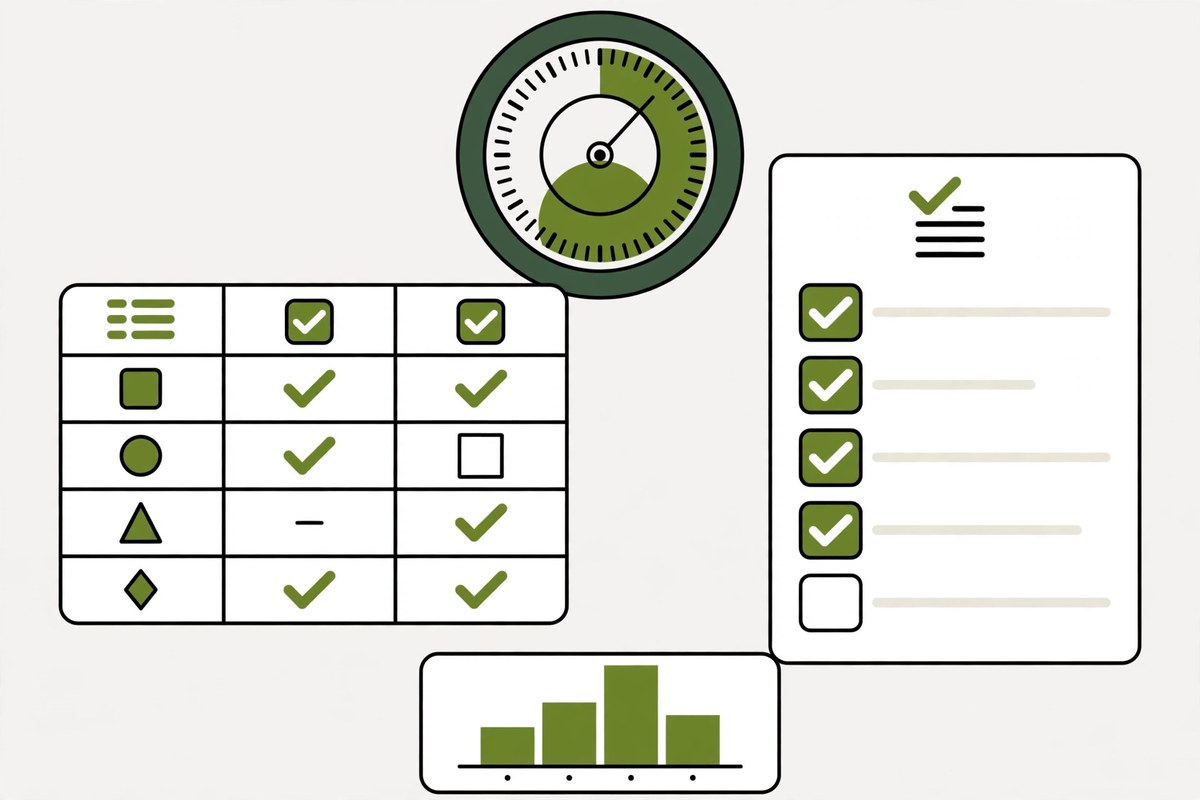
Who a generator fits and who it does not fit
Who it fits
A generator fits an agency with five or more monthly SEO clients, a fixed service scope, and someone who can spend 15 minutes per report on review. It fits best when the agency already has a fixed template and a fixed send date. If your agency sells white label seo services to several clients at once, one generator covers all of them.
Who it does not fit
A generator does not fit a one off project with a single report, or an agency with no one to do the review. It also does not fit an agency that wants the summary and the work notes written for them. In that case a done for you service is the better choice, because the writing is the work the agency is trying to avoid.
Frequently asked questions
What is a white label seo report generator?
A white label seo report generator is software that builds monthly SEO reports under an agency brand. It pulls data from Google Search Console and Google Analytics 4, fills a fixed template, and sends the finished report to the client on a set date. The agency logo goes on every page, and the client never sees the tool name. The agency still writes the summary and reviews each draft.
How much does a white label report generator cost?
Tool fees vary by the number of clients and the features included, and no single price fits every agency. Check the price per client, not the headline price, and add the agency time for writing and review. A done for you service is priced differently: our monthly plans are Starter $900, Growth $1,500, and Scale $2,500, with the branded report included and delivered on the 3rd of each month.
Can a report generator pull data from Google Search Console?
Yes, if the tool supports a Search Console connection. Check that it pulls clicks, impressions, and positions, and that the numbers match Search Console for the same month before the first send. A generator that only pulls traffic and skips positions leaves the ranking section blank, and the client will ask why the report has no rankings.
Do clients see the generator brand on the report?
They should not. A white label generator puts the agency logo, colors, and domain on every page, including the cover, the footer, and the email the report arrives in. Check each of those places with a test report before the first client send. A tool name in any of them tells the client the report was not made by the agency.
Is a generator better than a done for you reporting service?
It depends on what the agency wants to keep. A generator is better when the agency has time to write and review each report and wants to keep that work in house. A done for you service is better when the agency wants the writing and the review handled, and the report to arrive on a fixed date without agency time. Many agencies use both.
Pick the tool on the five features, test it with a real client, and keep the human review. The generator handles the numbers. The review handles the trust. If you want the reports built, written, and sent under your brand, book a 30 minute call. We sign the NDA on the call and can start your first job within 48 hours of the brief.
For the report itself, our white label seo dashboard template guide covers the sections that matter for clients.