The best white label seo tool is the one that does a single job well and lets you put your brand on the output. No single tool covers research, rank tracking, technical fixes, local SEO, and client reporting at the same standard. This post compares tools by job, so you can build a stack that fits your agency instead of paying for five tools that overlap.
Two rules shape this list. First, a tool is only white label if the client sees your brand, not the tool vendor brand, on reports and dashboards. Second, a tool is not fulfillment. Tools show data and produce drafts. People still do the strategy, the fixes, and the client answers. Keep those two rules in mind as you read. Our parent guide to white label seo tools covers how software fits into agency delivery.
Buy tools for jobs you repeat every month. Rent, borrow, or outsource the jobs you do twice a year.
How we compared the tools
We compared tools on four criteria, using public feature pages as of November 2026. Check current pricing before you buy, since tool pricing changes often.
- White label output. Can reports and dashboards carry your logo and domain, with no vendor branding?
- Data quality. Does the data match what Google Search Console shows, and does it update on a schedule you can report on?
- Cost model. Is pricing per project, per keyword, or per seat, and does it grow with your client count?
- Learning time. Can a new hire produce a client ready report in week one, or does the tool need a month of setup?
No tool scored first on all four. The stack below picks the strongest tool per job, and notes where a free tool does the job well enough.
Tools by job
Rank tracking and reporting tools
Rank tracking and reporting is the job clients see. A white label reporting tool must schedule branded reports, track keywords by location and device, and show movement the client can read without training. This is the tool category where white label output matters most, because the report is the product the client judges.
When you judge a reporting tool, send a sample report to yourself first. Check the logo placement, the date range, and the metric definitions. A report that needs a call to explain has failed. At WhiteLabelSEO, the monthly branded report lands on the 3rd of every month, and revisions are included, which is the standard your tool output should match.
Research tools: Ahrefs and Semrush
Research tools answer three questions: what do buyers search, who ranks today, and what is missing from your client site. Ahrefs and Semrush both cover keyword research, site audits, and rank tracking. Both offer a free tier: Ahrefs Webmaster Tools is free for sites you verify, and Semrush offers a free account with limited queries. Check current limits on their official pages before you plan around them.
Use research tools for planning, not for client reports. Their dashboards are built for SEOs, not for clients. Export the findings into your branded report instead of sharing tool logins. That keeps your process private and your reports readable.
Technical tools: crawls, speed, and Search Console
Technical work needs a crawler, a speed check, and Google own data. Screaming Frog crawls a site and lists broken links, missing titles, redirect chains, and thin pages. PageSpeed Insights reports Core Web Vitals for a URL. Google Search Console shows what Google indexed, which queries brought clicks, and which pages have errors. All three are free to start, and Search Console is free for every verified site.
Google's Search Console help explains setup and the main reports. Read it before you trust a third party dashboard, since Search Console is the source most dashboards draw from.

Local SEO tools: BrightLocal and Whitespark
Local work needs tools built for local data. BrightLocal and Whitespark cover local rank tracking with geo-grid views, citation tracking, and review monitoring. A geo-grid shows rank across a map, not just at one point, which matters for map pack reporting. Citation tools check name, address, and phone consistency across listings.
Local tools earn their cost only when you serve local clients at volume. For one or two local clients, Search Console plus a manual citation check may be enough. At ten local clients, manual checks break, and a local tool pays for itself in time saved.
The free Google stack: Search Console, Analytics, and Looker Studio
The free Google stack covers most reporting needs for a small agency. Search Console gives queries, clicks, and index status. Google Analytics 4 gives traffic and conversions. Looker Studio turns both into branded dashboards with your logo and colors, scheduled by email.
The limit of the free stack is effort. Looker Studio dashboards need building and upkeep, and they do not track competitor ranks or citations. Treat the free stack as the base, and add paid tools only for jobs it cannot do. That order keeps your stack lean.
Best white label seo tool comparison, by job
| Job | Tool type | White label output | Free tier |
|---|---|---|---|
| Rank tracking and reporting | White label dashboard | Yes, branded reports and dashboards | Rare, usually trial only |
| Keyword and competitor research | Ahrefs, Semrush | No, export to your own report | Yes, limited |
| Technical crawl | Screaming Frog, Search Console | No, export to your own report | Yes |
| Local rank and citations | BrightLocal, Whitespark | Yes, on paid plans | Usually trial only |
| Traffic and dashboards | Search Console, Analytics, Looker Studio | Yes, in Looker Studio | Yes |
Read the table by row, not by vendor. A vendor that wins one row may lose the next. Buy the row you need, not the brand you recognize.
Build a stack or buy fulfillment: a decision table
| Option | Best when | Watch out for |
|---|---|---|
| Build your own stack | You have staff time and fewer than five SEO clients | Tool costs grow with every client and keyword |
| Buy fulfillment | You sell SEO and need delivery under your brand | You still own client communication and approvals |
| Mix: tools plus fulfillment | You want your own data and outsourced delivery | Agree who reports what, so the client never gets two versions |
With fulfillment, the provider delivers keyword research, on page work, technical fixes, content briefs, and link building under your brand. Reports carry your logo, and a signed NDA comes before any client information is shared. Jobs start within 48 hours of the brief, and one named account lead runs each engagement.
Worked example: what tools cost your margin
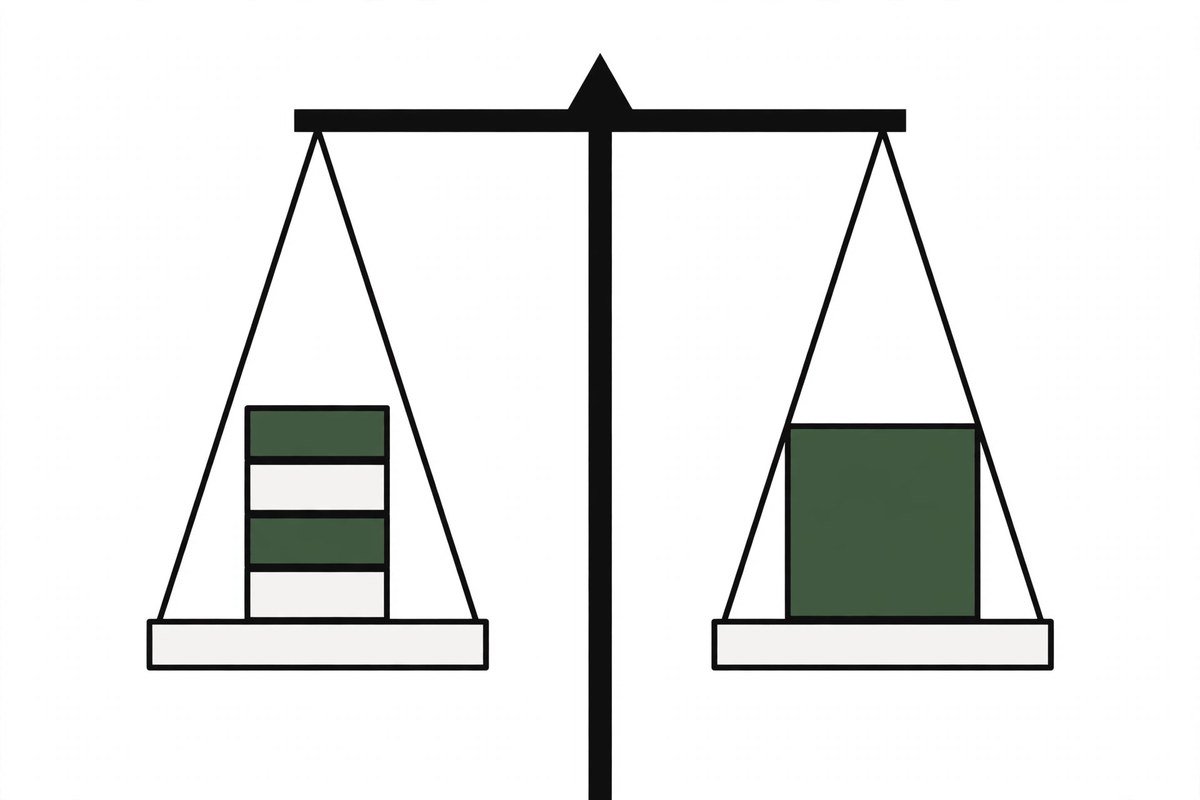
Take the Growth plan at $1,500 per month. An agency that resells it at $3,200 keeps $1,700 per month before its own time. Tool subscriptions come out of that margin. If your stack costs $400 per month across reporting, research, and local tools, the margin left for sales and account handling is $1,300. That is still a sound margin, but only if you counted the tools before you set the client price.
Run the same math for every client, not once for the agency. Tool costs that scale per keyword or per location grow with each new client. Price the client on the full cost of delivery, tools included. See the full white label seo pricing guide for plan prices, and the white label seo services for agencies page for what each plan includes.
Checklist: before you pay for a tool
- Send a sample report to yourself and check the branding
- Confirm the cost model at your client count, not at one client
- Check that rank data matches Search Console for the same period
- Confirm scheduled reports and the date they send
- Check export options, so you can leave without losing history
- Time a new hire producing a client ready report in week one
- List the jobs the tool cannot do, and who will do them
Who this is for, and who it is not for
This post is for agencies that sell SEO and want a tool stack that supports delivery without eating margin. It fits agencies with two to 25 people, and freelancers building toward agency work.
It is not a buying guide for end clients. If you are a business owner choosing an agency, judge the agency by its reports and results, not by its tool list. The tools matter far less than the people using them.
Frequently asked questions
What is a white label SEO tool?
A tool that lets an agency put its own brand on reports and dashboards. The client sees the agency logo, colors, and domain, not the tool vendor brand. White label output is what separates an agency tool from a tool built for in-house teams.
Do free tools offer white label reports?
Partly. Looker Studio builds branded dashboards for free from Search Console and Analytics data. Most dedicated reporting tools offer white label output only on paid plans. Check the branding options on a trial before you commit to a paid plan.
Can one tool do everything an agency needs?
No. Research, technical crawls, local tracking, and client reporting are different jobs, and tools that claim all four are usually weak in one. Build a stack by job, and accept that two or three tools is normal for a working agency.
Do I still need a fulfillment partner if I own the tools?
Tools show data and produce drafts. Strategy, fixes, content, links, and client answers still need people. A fulfillment partner supplies that delivery under your brand, while your tools give you independent data to check the work and challenge it every month.
How do I check a tool white label output before paying?
Run a trial, build one real report for a real client, and send it to yourself. Check logo placement, vendor branding, date ranges, and metric definitions. Also check scheduled sending and export options. If the report needs a call to explain, the tool has failed the test.
Start with the free Google stack, add one paid tool for the job you repeat most, and count every subscription against your margin before you set client prices. For a report template you can brand and use today, get the free white label seo report template. To talk through delivery for a client you want to scope, book a 30 minute call.